


Keep customer records
Work from contact profiles instead of searching through disconnected messages and files.
Ogilio Platform
Keep customer records, leads, tasks and booking reports in one agency workspace. Add travel sales modules that fit the way your team works.
Cancel anytime

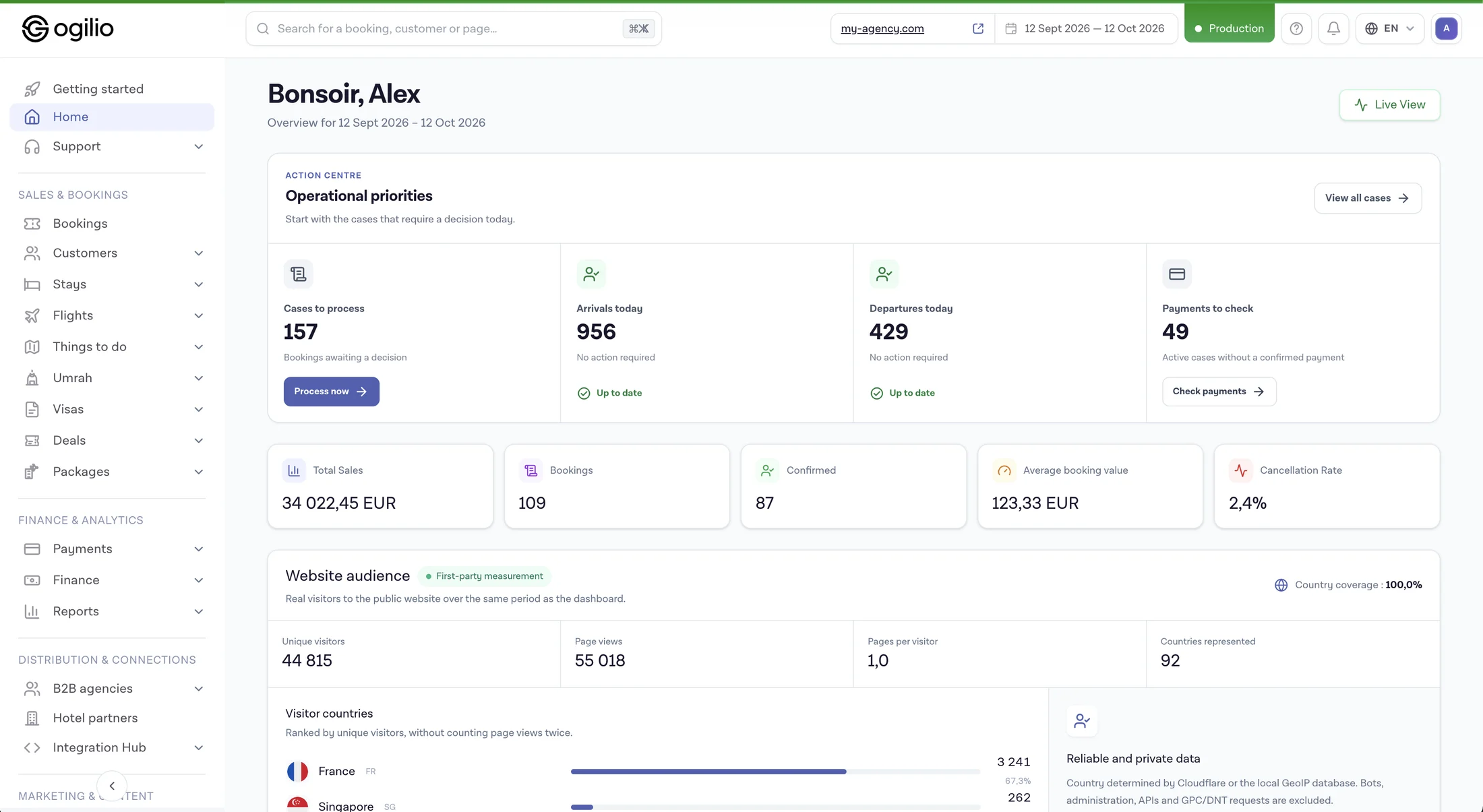 Interface preview · sample data
The challenge
The Ogilio approach
Work from contact profiles instead of searching through disconnected messages and files.
Use a lead pipeline to see which enquiries need action and which have moved forward.
Record follow-up activities and due dates so a customer request has a clear next step.
Look up booking details and status in the agency administration area.
Review order and payment states when monitoring day-to-day activity.
Use the travel modules available to your plan and supplier setup as your agency expands online.
Features
Keep core customer information together for future service and sales conversations.
Move opportunities through stages and see what is still open.
Plan reminders, assign follow-up and spot overdue work.
Find reservations by customer and review their booking or payment status.
Bring current sales and operational activity into a shared workspace.
Review booking records and related transaction information from administrative views.
Explore the product
The active administration area includes customer records, a lead pipeline, tasks and booking reports. Ask to see this sequence with demonstration data.
Open a contact record and see the opportunity in the CRM pipeline.
Record an activity with a due date so the team can identify upcoming or overdue follow-up.
Use booking and reporting views to check the order and payment status when a sale becomes a reservation.
Available modules and staff permissions depend on the agency configuration. The dashboard preview on this page uses sample figures.
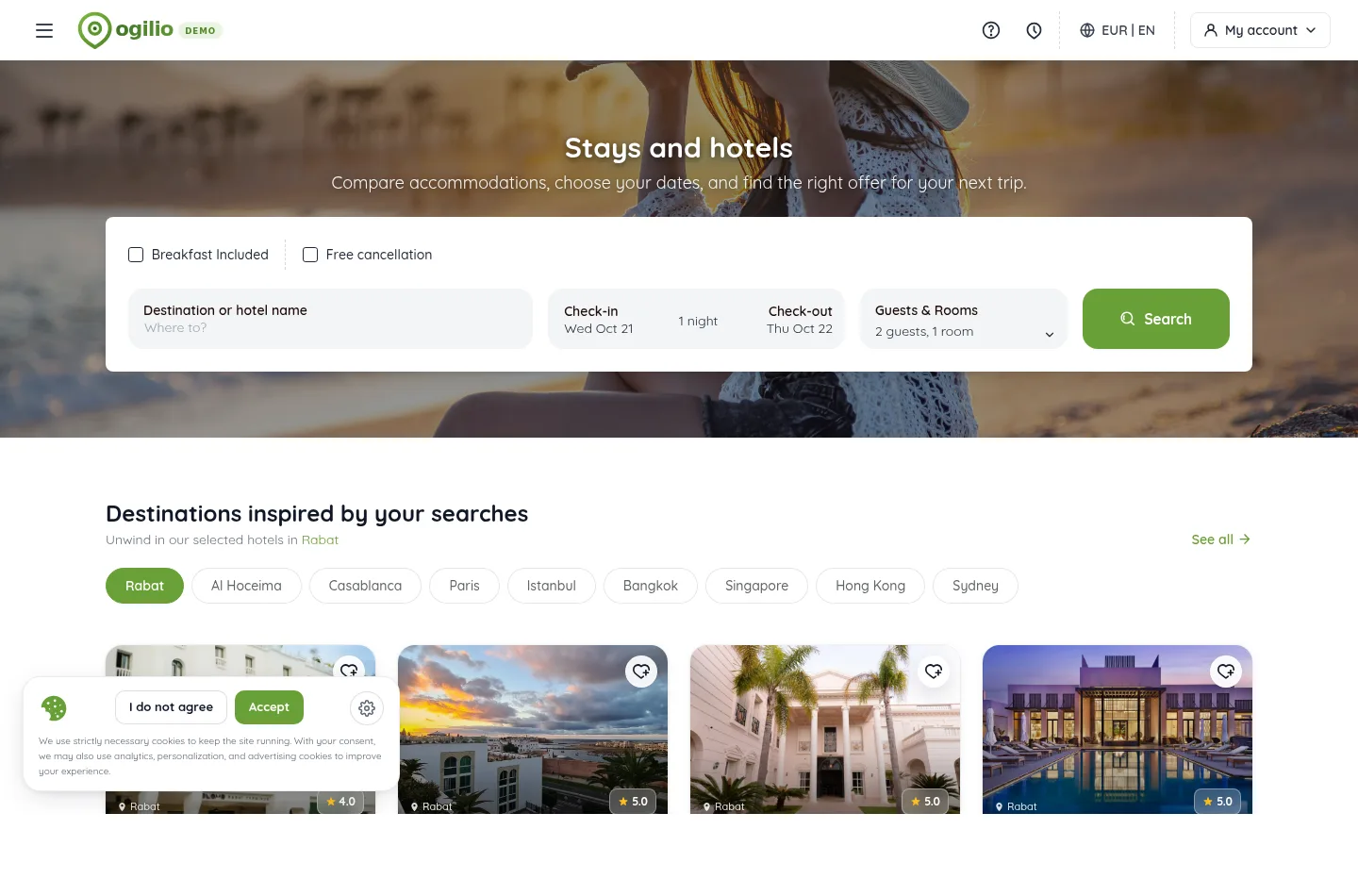
Actual customer-facing screen
The capture shows a public demo booking screen. Contact, lead and task management are confirmed in the application and should be viewed in a guided back-office demo.
Before adoption
Review the agency workflow and the selling modules separately.
The current administration area has contacts, a lead pipeline, activities and booking reports. Starter lists a traveler CRM; test the workflow and permissions for your team.
Flights and stays depend on plan entitlement, enabled modules, credentials and supplier contracts. B2B agencies and flight-plus-hotel packages start at Pro.
The available gateway and the detail of each reservation depend on your configured product and market.
AI agents are listed for Business. Custom integrations and dedicated infrastructure need a separate scope or quote.
Use cases
Keep enquiries, customers and reservations visible as staff serve travelers.
Use lead stages and assigned tasks to hand work between team members.
Maintain a consistent customer history while selling a focused range of travel services.
Connect daily customer management with the booking modules activated for your business.
Why Ogilio
Start with a customer record your team can find again.
Keep the enquiry in a visible sales stage until it is resolved.
Add the next activity and due date for the responsible team member.
Use reservation and reporting views when a sale becomes an order.
FAQ
Ogilio provides customer contacts, a lead pipeline, follow-up activities, booking administration and reporting views. Available modules and permissions depend on your configuration.
The agency administration area includes contact records, lead stages, tasks and activity views. Ask for a demo of the workflow your team needs.
The CRM has activities and due dates so team members can see upcoming and overdue work.
The administration area includes customer and booking records. The information available for each booking depends on its product module.
Flight and stay modules exist in Ogilio. What your agency can sell depends on its plan, enabled modules, supplier access and configuration.
Payment methods need to be configured for your account. Gateway support and commercial arrangements vary by market and setup.
Yes. Review your current customer data, team workflow and booking modules before deciding on a migration plan.
This page focuses on the agency team’s customer, lead and booking work. The white label OTA page focuses on the public booking experience under your brand.
Ogilio
Show us how you manage enquiries, customers and reservations today. We can walk through the relevant workspace and module options.
Open a ready-made question about the platform, plans and possibilities for your travel agency. Then check the details on the official website.


